Flashes from every side

Paparazzi video of you, from one selfie

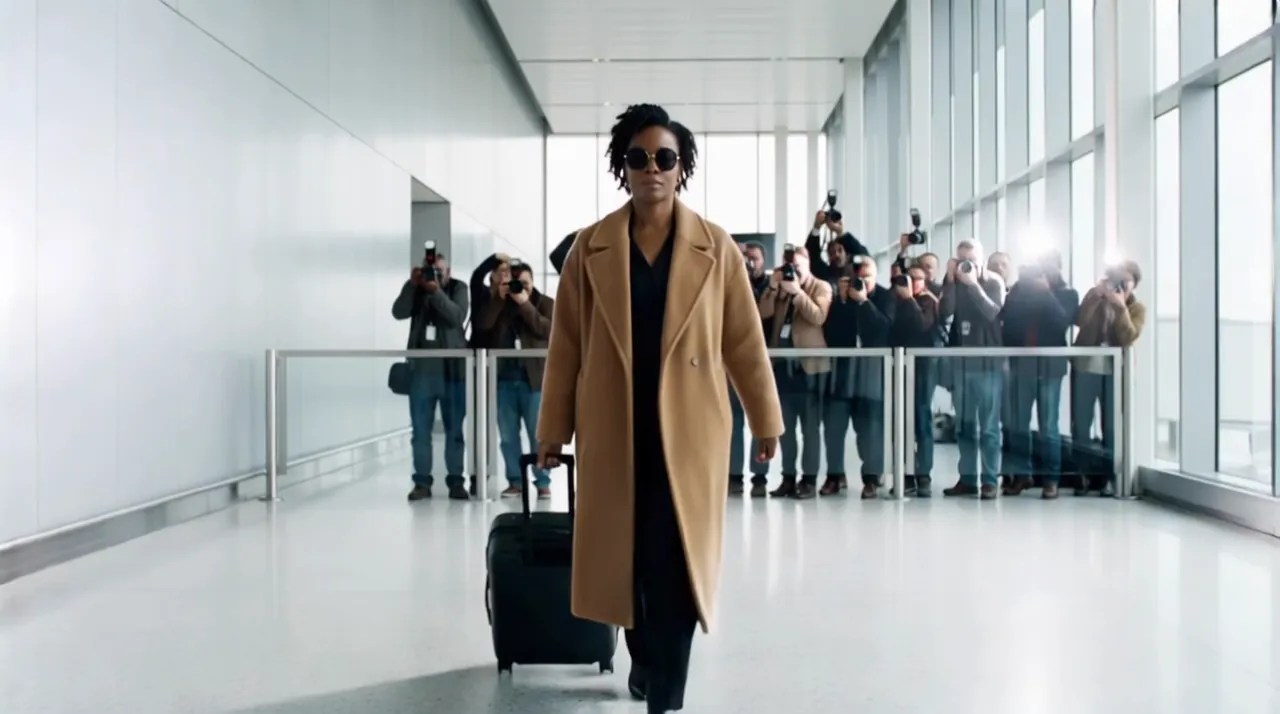
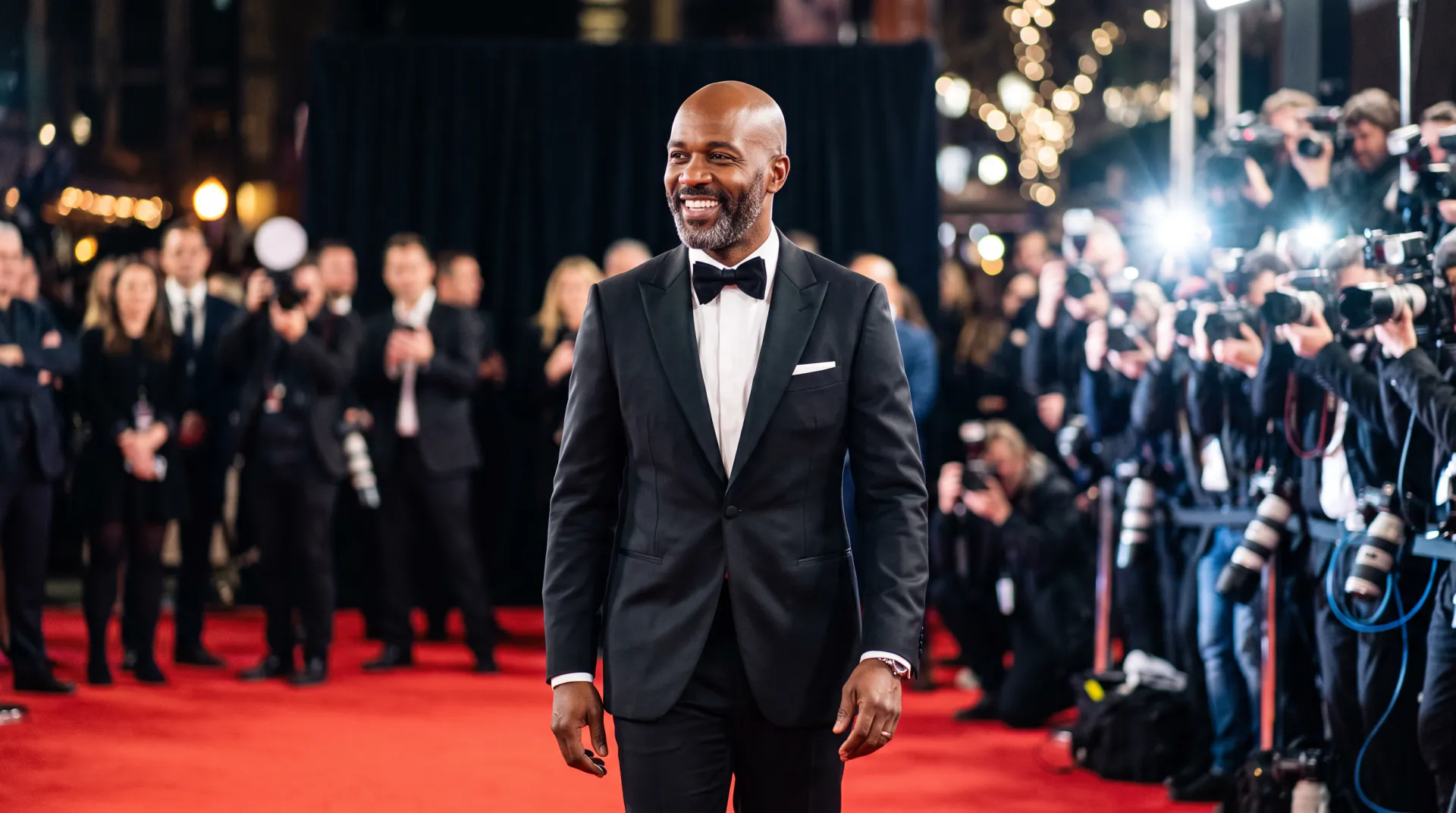
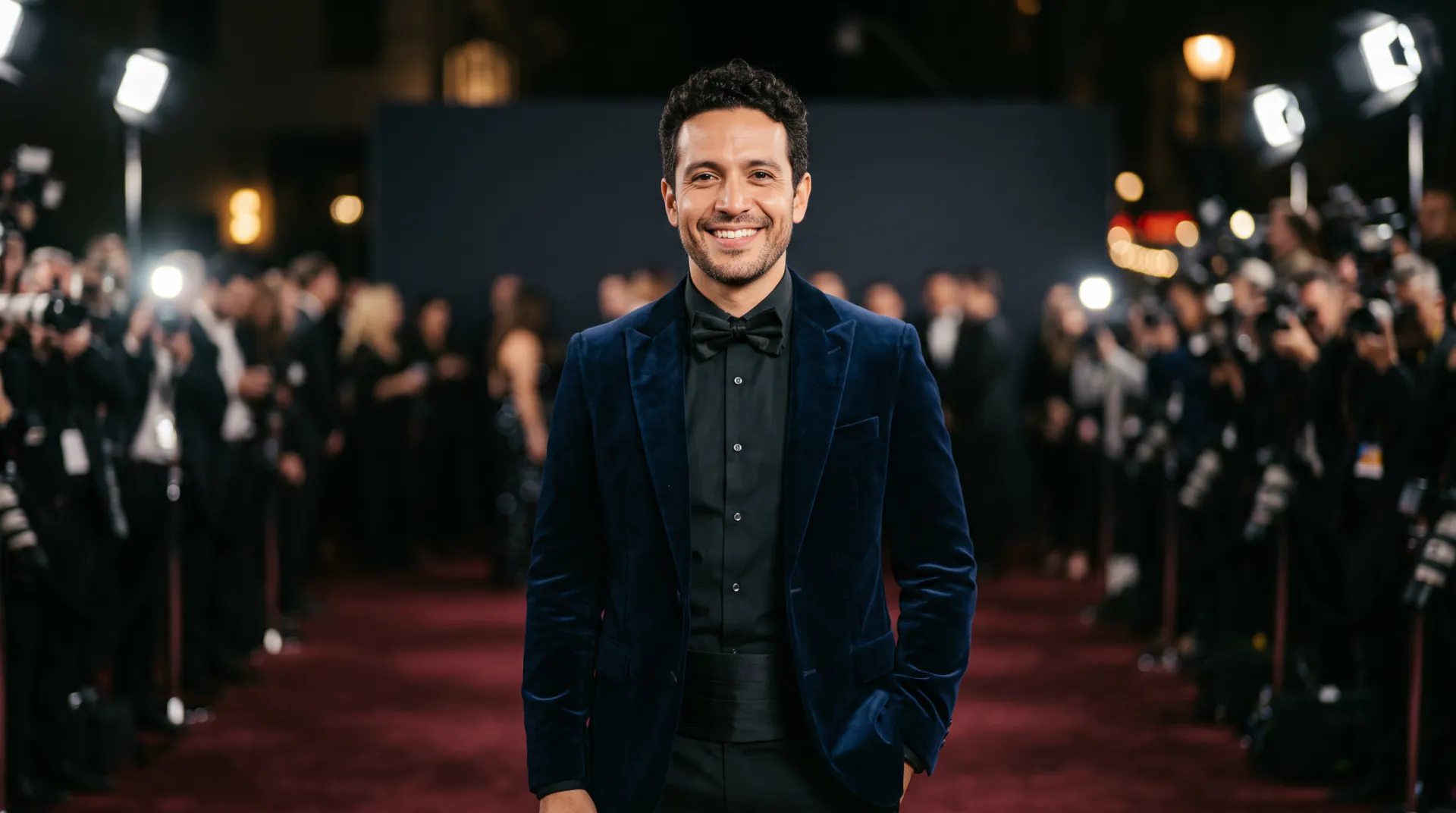
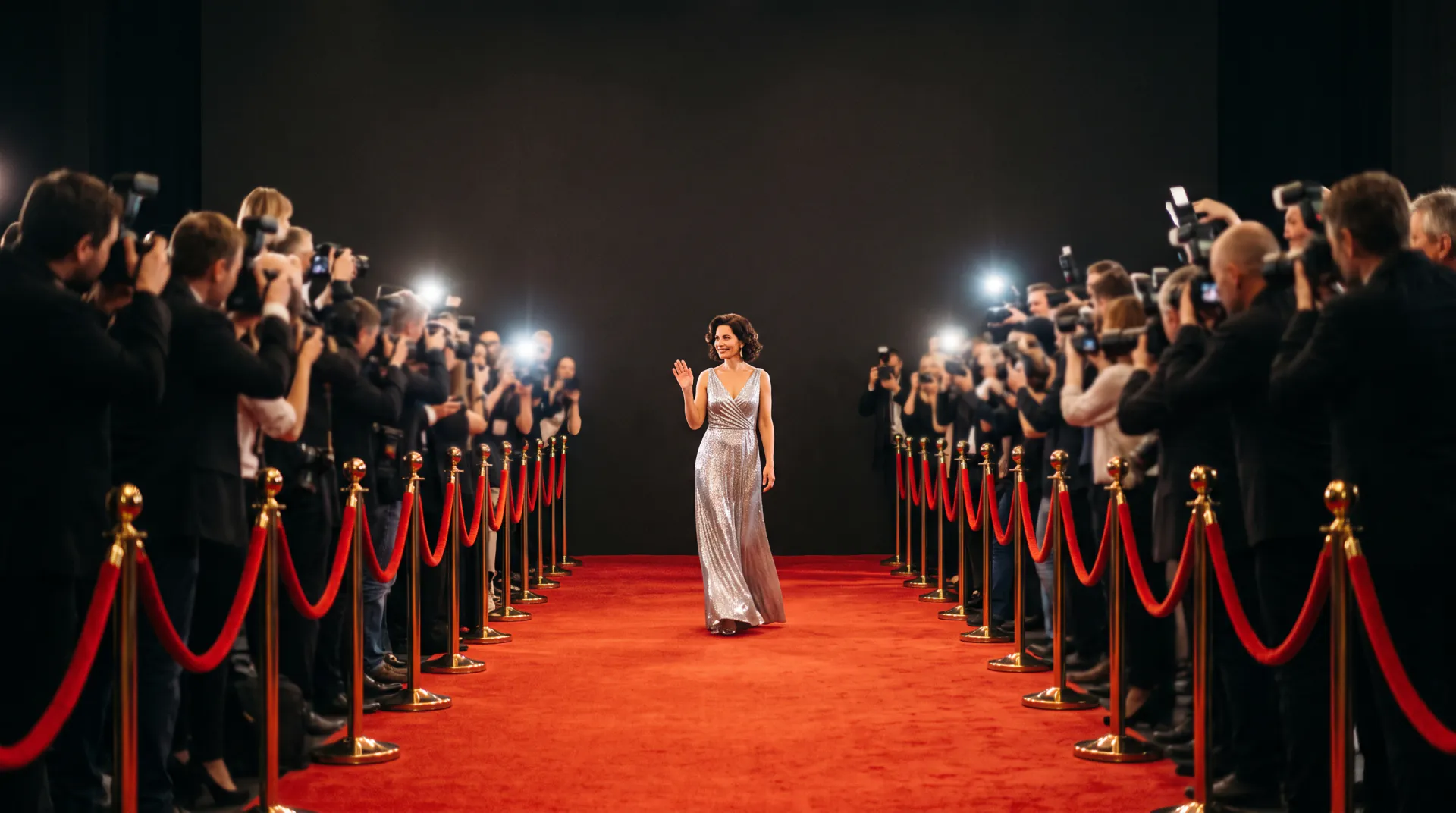
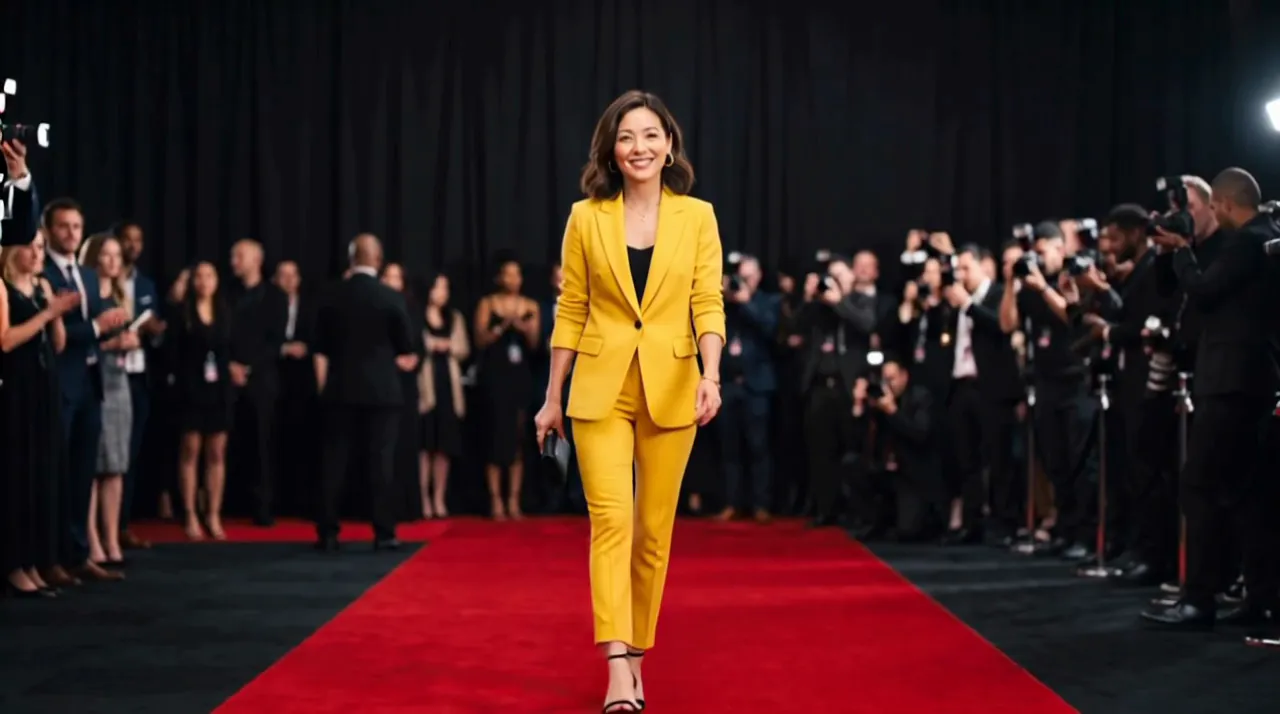
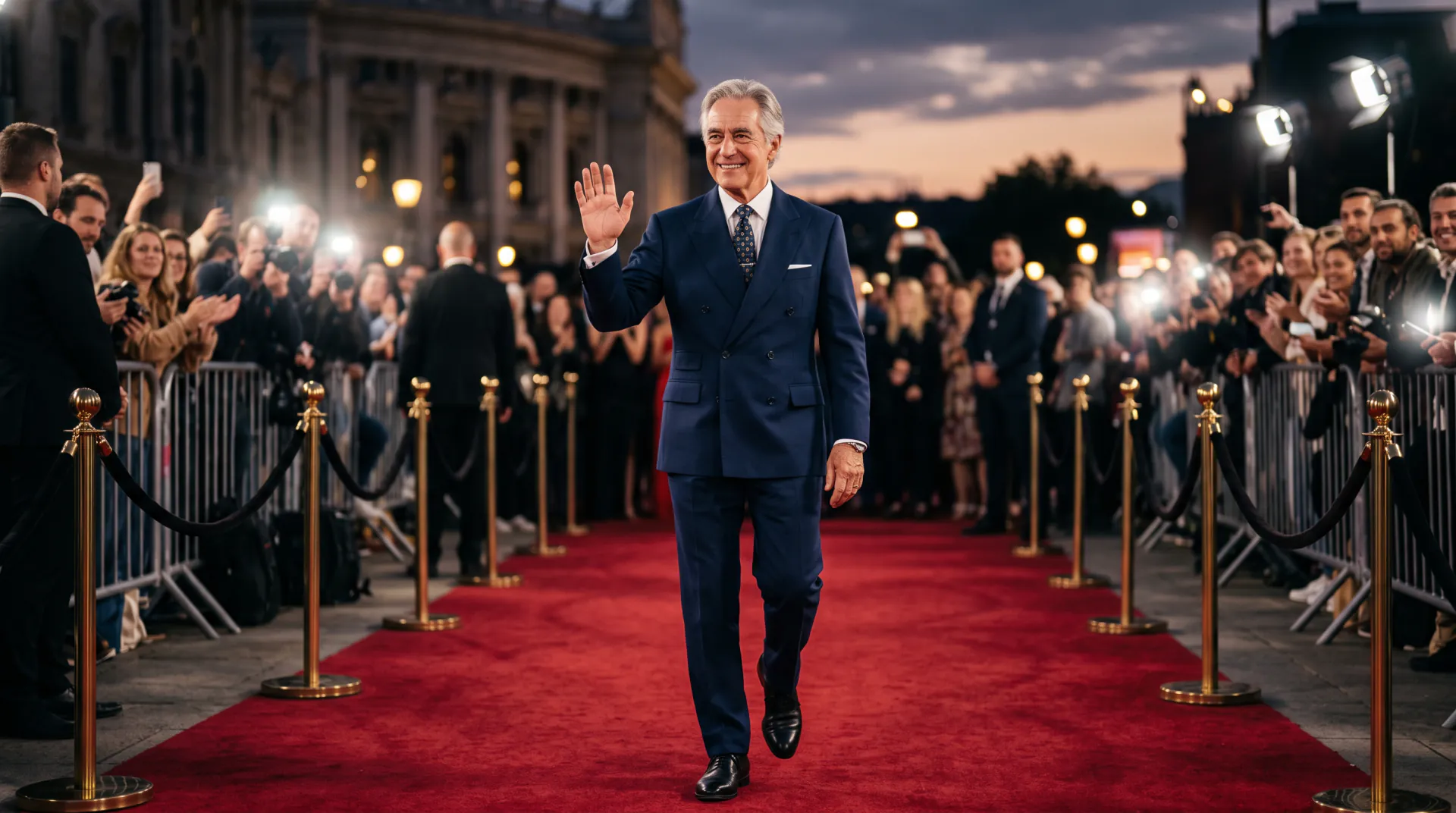
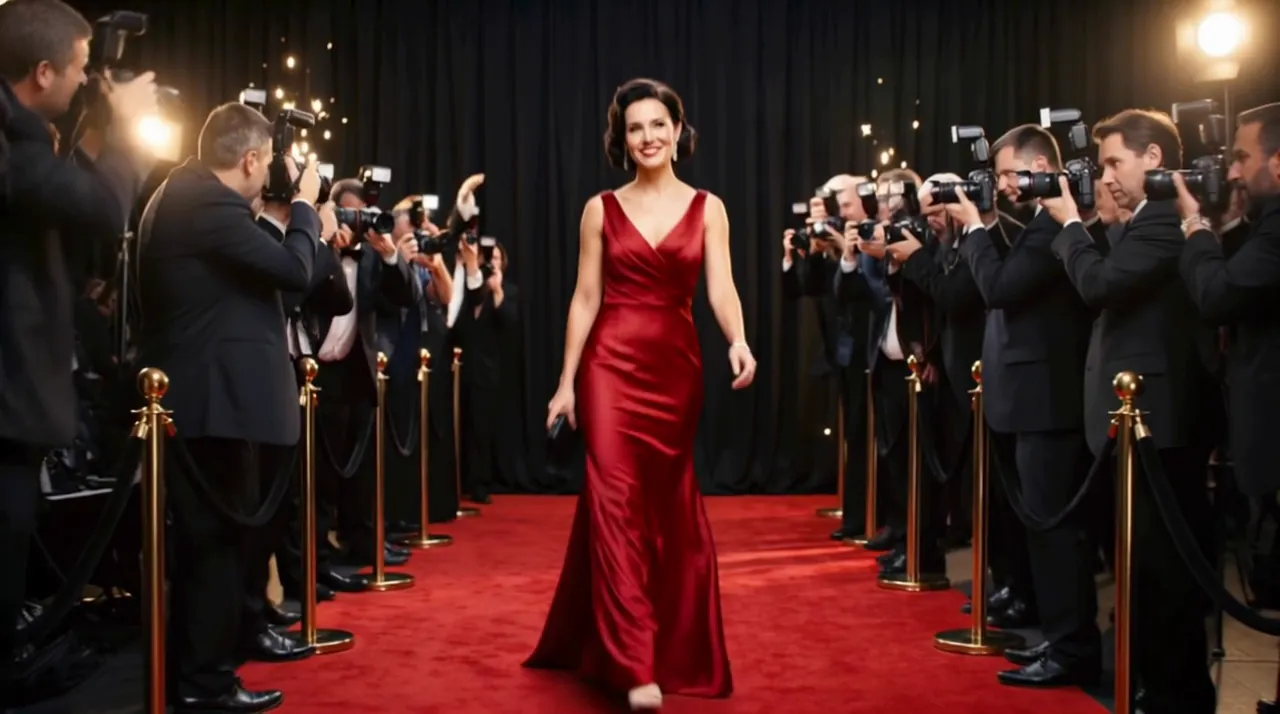
Be the person everyone wants a photo of. Upload a selfie and walk through a wall of camera flashes, with photographers calling out from both sides.

  • First video free: one per network every 30 days
  • Camera flashes
  • Vertical 9:16
Your selfie, plus an optional photo of the outfit to wear. PNG, JPEG or WebP, up to 10 MB each.
Try
Shape
Resolution
Length

150 credits

Buy credits

Add your selfie to continue

At a glance

A paparazzi video on AI Red Carpet starts from one selfie. The model keeps your face, hair and build and puts you in a scene where photographers on both sides take flash photos as you walk past, with cinematic light and a tracking camera. Clips are 5, 8 or 10 seconds at 30 credits per second.

Photos
One selfie, plus an optional outfit photo (PNG, JPEG or WebP, up to 10 MB)
Price
30 credits per second; a 5-second video is 150 credits (about $1.36 to $1.50)
Free first video
One 5-second video for a new account, once per network (an IPv4 address or IPv6 /64) every 30 days
Length
5, 8 or 10 seconds
Default scene
A premiere red carpet; name another place in your prompt

The paparazzi moment, around you

  • 01

    Flashes from both sides

    Every video asks for photographers on both sides taking flash photos, so the bursts of light frame your walk.

  • 02

    Walk like a star

    A confident walk with a tracking camera keeps you in the middle of the frame while the photographers press in.

  • 03

    Anywhere you name

    A premiere red carpet by default; name a hotel entrance, a night street or a restaurant door and the photographers follow you there.

  • 04

    Ready for the feed

    Vertical 9:16 by default for TikTok and Reels, with square and widescreen too.

How to make a paparazzi video

  1. 01

    Add your selfie

    A clear, front-facing photo, plus an outfit photo if you want to wear something specific.

  2. 02

    Set the scene

    Name the place and one moment, or click one of the examples on this page.

  3. 03

    Create and post

    Download the MP4 and add your caption or sound in the app you post with.

What makes a paparazzi shot

The look comes from a few things that the instruction already asks for and a few you can add:

  • Bursts of flash from photographers on both sides
  • A calm, confident walk through the crowd
  • A tracking camera that keeps you centred
  • Night or evening light, so the flashes stand out
  • One small reaction: a smile, a wave or a glance at the lenses
Selfie tips for a star walk

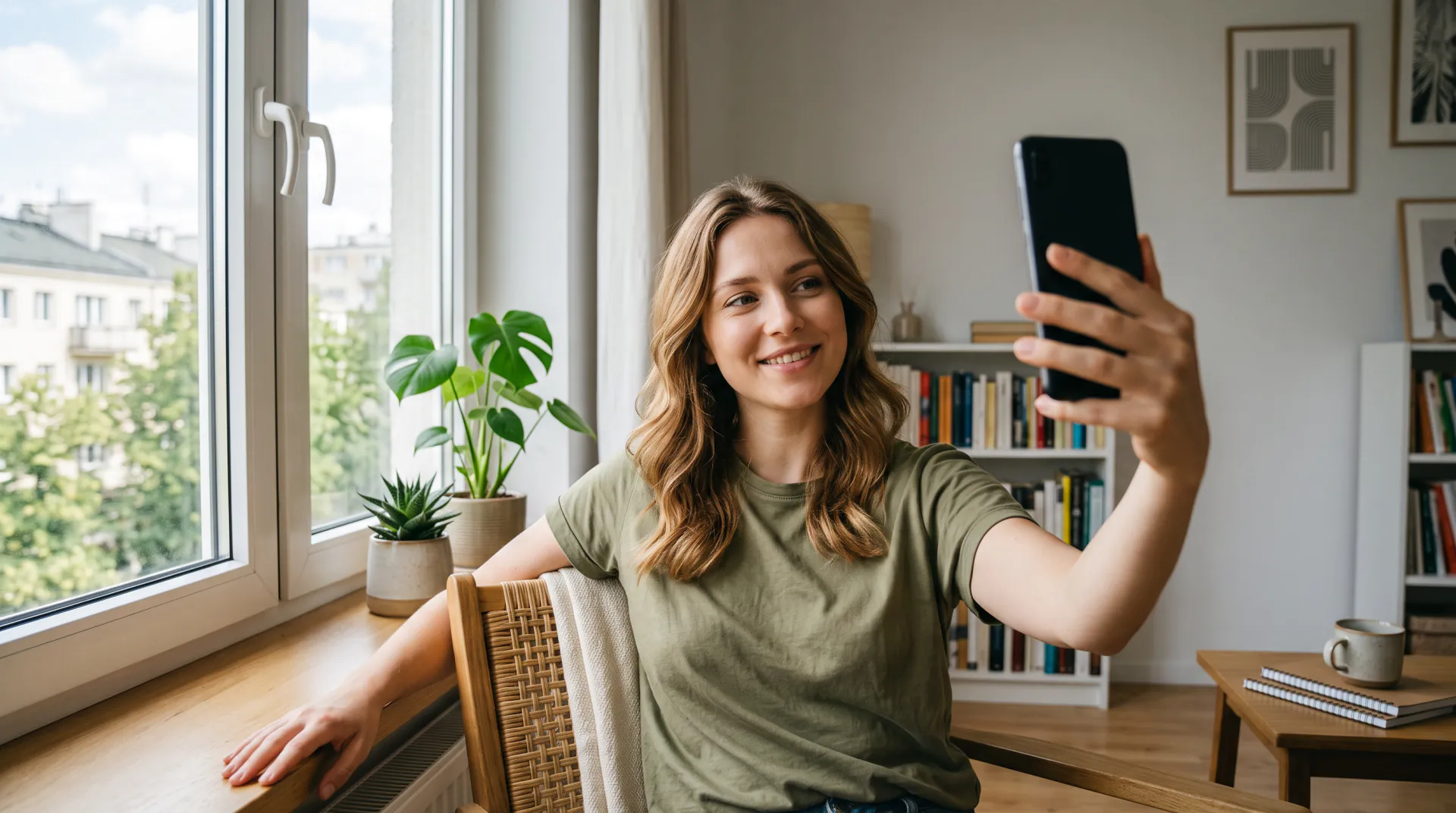
The model builds your whole walk from one photo, so the photo matters more than the prompt:

  • Face the camera with your eyes visible: no sunglasses or masks
  • Even light, such as daylight from a window
  • Your hair the way you want it in the video
  • No beauty filters, stickers or text on the photo
  • Outfit photo: the whole garment, on you or on a plain background
  • Only photos of you, or of someone who has agreed

Paparazzi video FAQ

Where does the paparazzi scene take place?

On a premiere red carpet by default. Name another place in your prompt, such as a hotel entrance or a night street, and the photographers and flashes move there with you.

Is a paparazzi video real?

No. The photographers, the crowd and the place are generated by AI around your selfie. Share it as a fun AI video, and never present it as footage of a real event.

Is there a free paparazzi video?

Your first 5-second video is free for a new account, once per network (an IPv4 address or IPv6 /64) every 30 days. Later videos cost 30 credits per second, from a one-time pack or a monthly plan.

Step into the flashes

Upload a selfie and name the scene. A new account's first 5-second video is free, once per network (an IPv4 address or IPv6 /64) every 30 days.

Last updated November 9, 2026

Create your account