One selfie, one star walk

AI Red Carpet Video

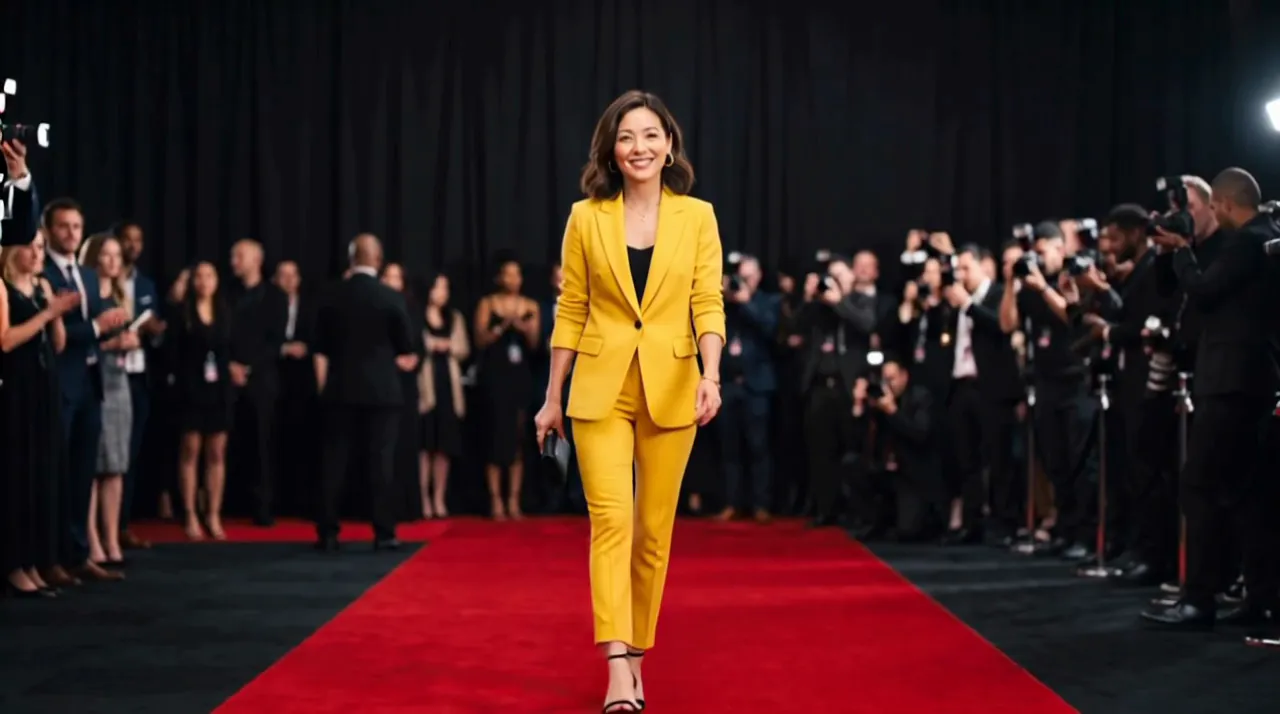
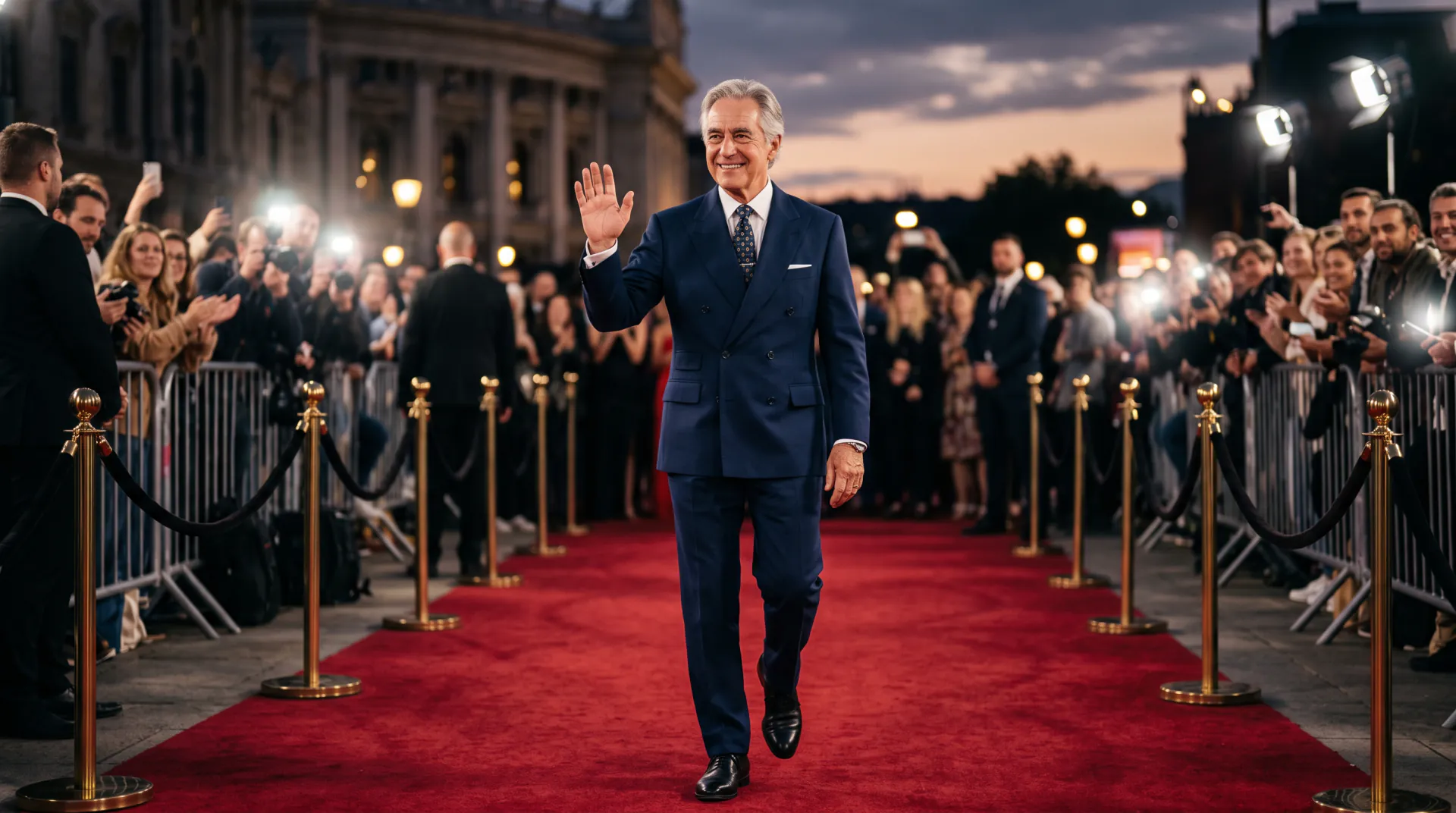
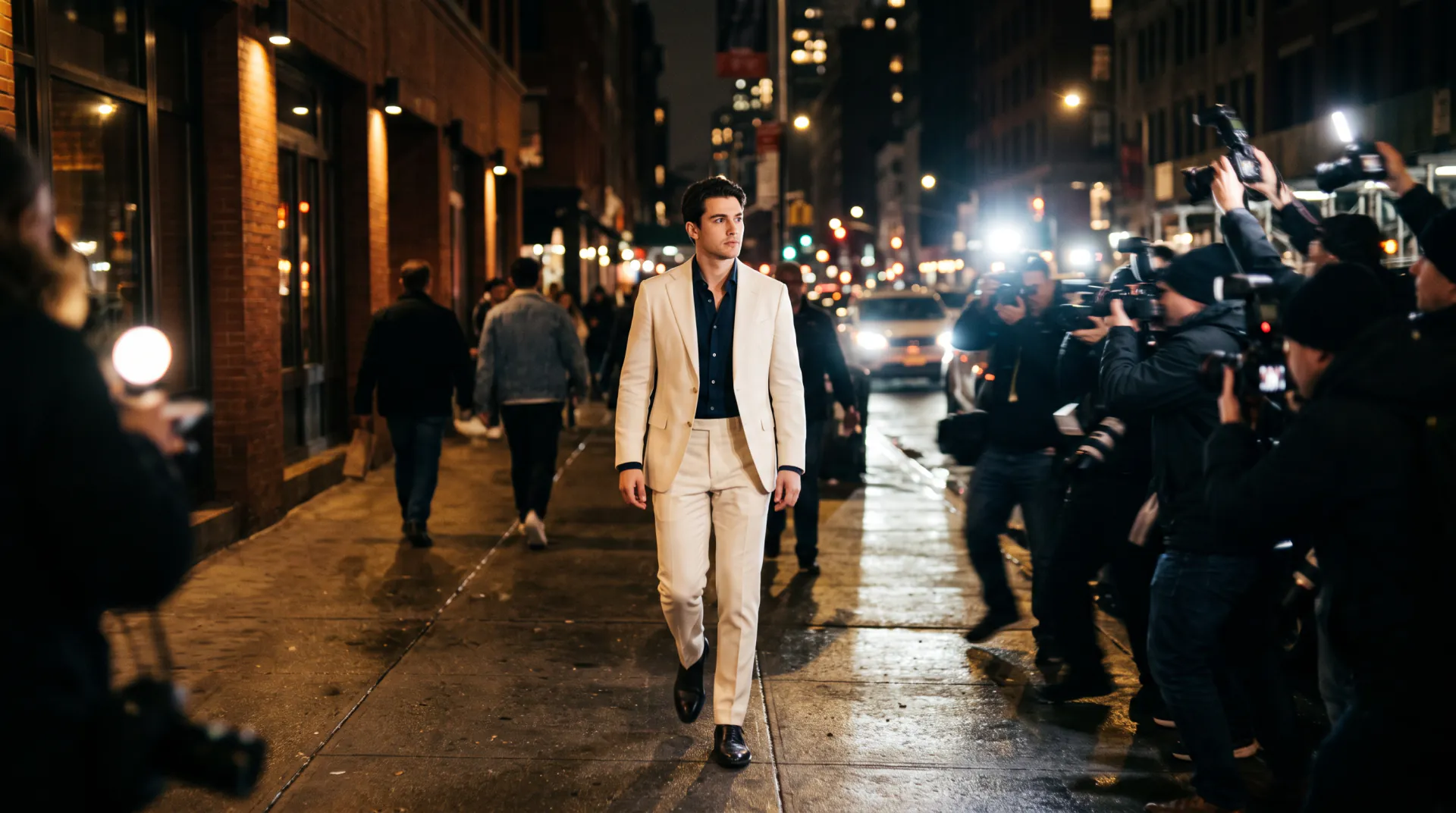
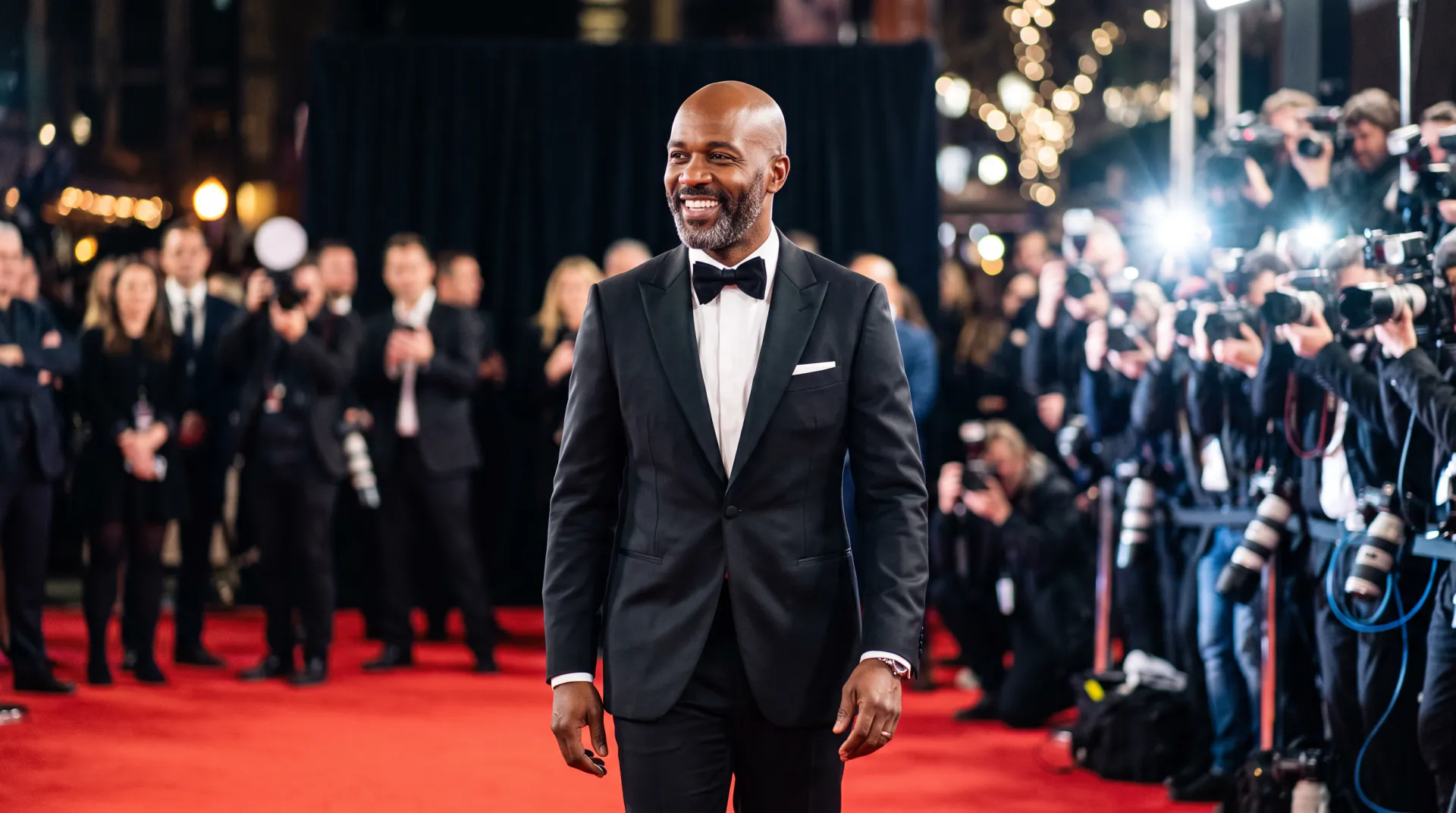
Upload a selfie and walk a glamorous red carpet like the star of the night: photographers flash on both sides, velvet ropes line the way and the camera tracks you as you go.

  • First video free: one per network every 30 days
  • One selfie is enough
  • Vertical 9:16 for Reels
Your selfie, plus an optional photo of the outfit to wear. PNG, JPEG or WebP, up to 10 MB each.
Try
Shape
Resolution
Length

150 credits

Buy credits

Add your selfie to continue

At a glance

AI Red Carpet (airedcarpet.app) turns one selfie into a 5 to 10 second video of you walking a premiere red carpet as photographers flash on both sides. It costs 30 credits per second; a new account's first 5-second video is free, once per network (an IPv4 address or IPv6 /64) every 30 days.

Photos
One selfie, plus an optional outfit photo (PNG, JPEG or WebP, up to 10 MB)
Price
30 credits per second; a 5-second video is 150 credits (about $1.36 to $1.50)
Free first video
One 5-second video for a new account, once per network (an IPv4 address or IPv6 /64) every 30 days
Length
5, 8 or 10 seconds
Format
MP4 in vertical 9:16 (default), square 1:1 or widescreen 16:9
Resolution
540p, 720p or 1080p
Video model
Vidu Q3 reference to video, through a commercial model API
Credits from
$9.99 for 1,000 credits (6 five-second videos)

What AI Red Carpet does with your selfie

  • 01

    One selfie is enough

    The model uses your selfie as the reference for your face, hair and build, and builds the whole scene around you.

  • 02

    The full premiere scene

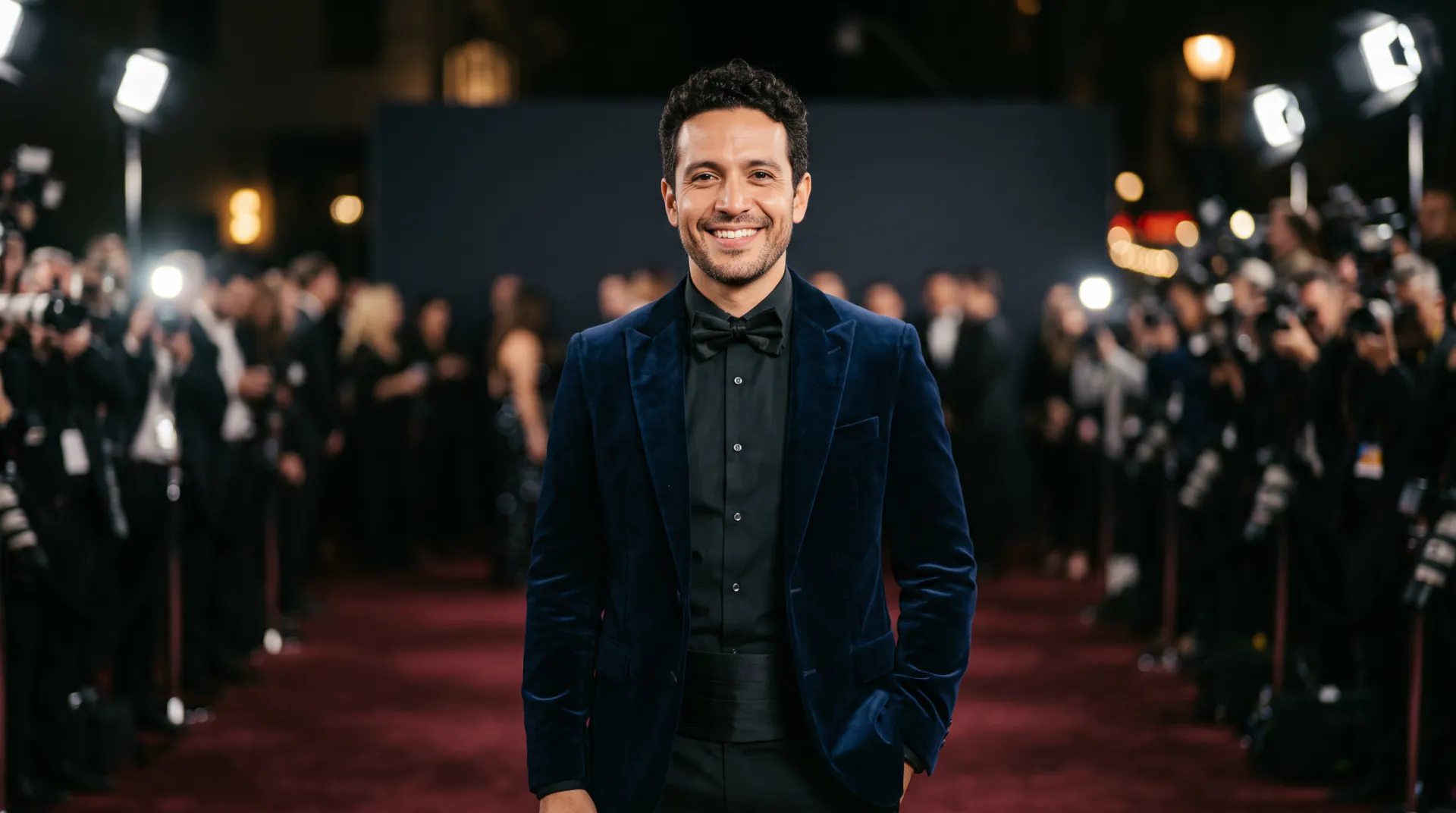
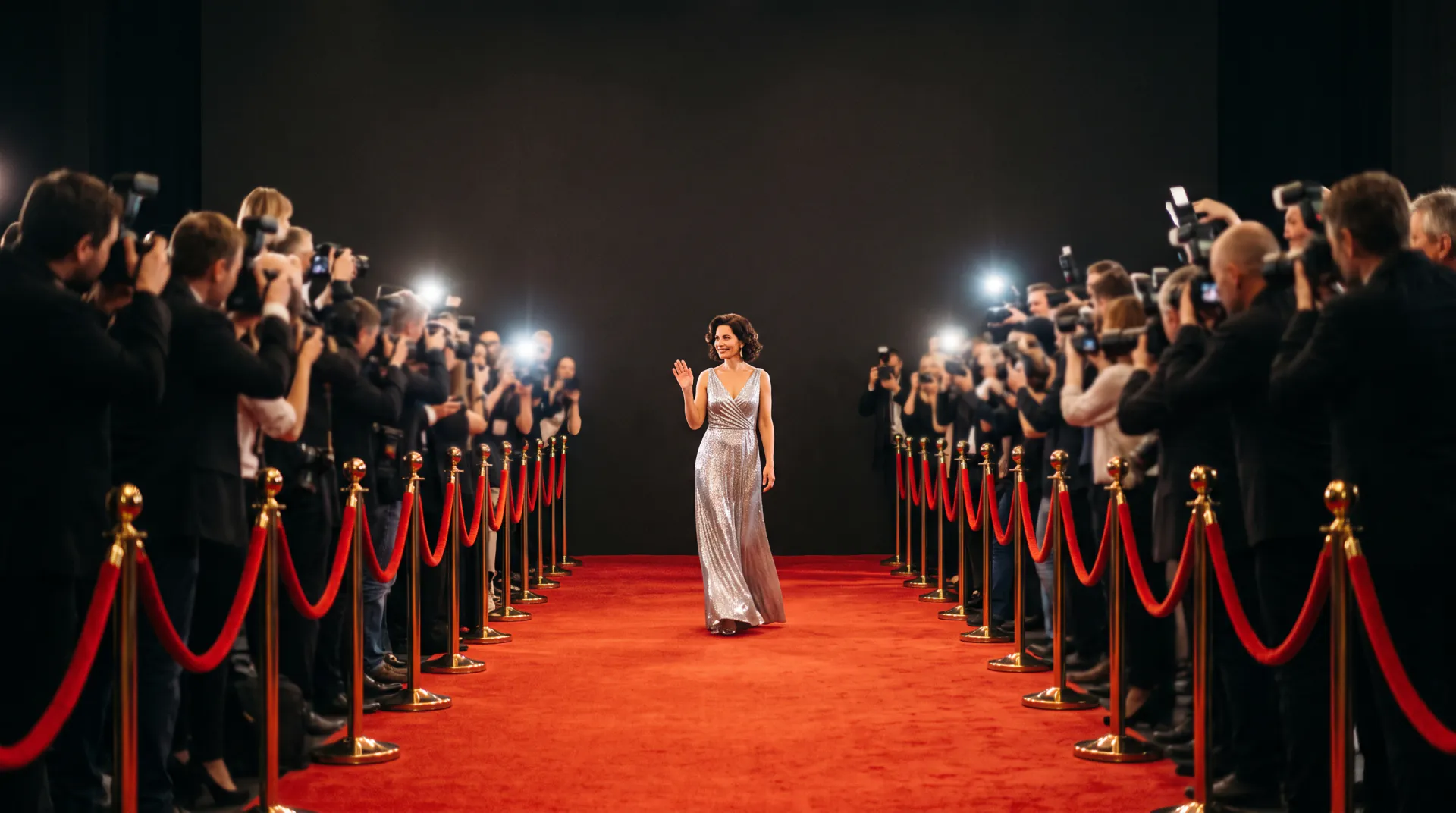
    A red carpet, velvet ropes and photographers flashing on both sides, in cinematic evening light with a camera that tracks your walk.

  • 03

    Bring your own outfit

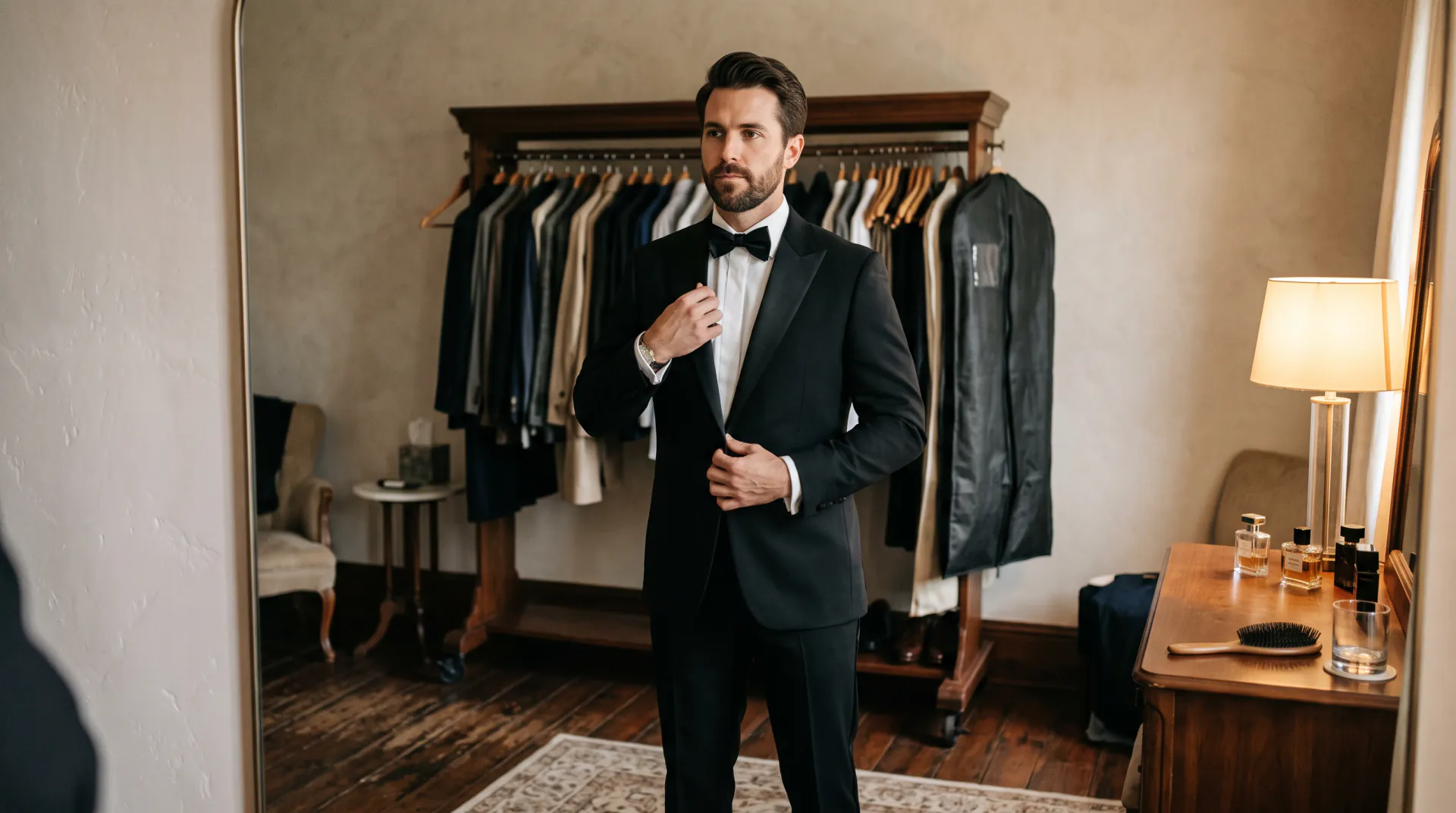
    Add a second photo of a dress or suit, worn or laid flat, and you walk the carpet in it. Or simply describe the outfit.

  • 04

    Vertical by default

    9:16 for TikTok, Reels and Stories, with square and widescreen one click away.

  • 05

    Short prompts work

    The walk and the photographers are already in the instruction. Add your outfit and one moment, such as a wave or a pose.

  • 06

    Price shown first

    See the credits before you create. Videos that fail give their credits back automatically.

How to make your red carpet video

  1. 01

    Upload your selfie

    Sign in and add a clear, front-facing selfie. Add an outfit photo as a second image if you want to wear it.

  2. 02

    Describe the moment

    Click an example or write your outfit and one action: a wave, a pose or a look back at the cameras.

  3. 03

    Create and share

    Pick 5, 8 or 10 seconds, create the video and download the MP4 for TikTok, Reels or Stories.

How an AI red carpet video is made

Your selfie goes to the Vidu Q3 video model as a reference image, with a fixed instruction: keep the person's face, hair and body, and have them walk confidently down a red carpet at a glamorous evening premiere while photographers on both sides take flash photos behind velvet ropes, with cinematic lighting and a tracking camera. Your words come after it.

Because the selfie is a reference rather than the first frame, the model builds a new shot of your whole body walking, which a head-and-shoulders selfie never showed. It fills in what it cannot see, such as the clothes below the frame, so describe the outfit or add a photo of it.

The result is an AI-generated scene, not footage of a real event. The premiere, the photographers and the crowd are invented.

Selfie tips for a star walk

The model builds your whole walk from one photo, so the photo matters more than the prompt:

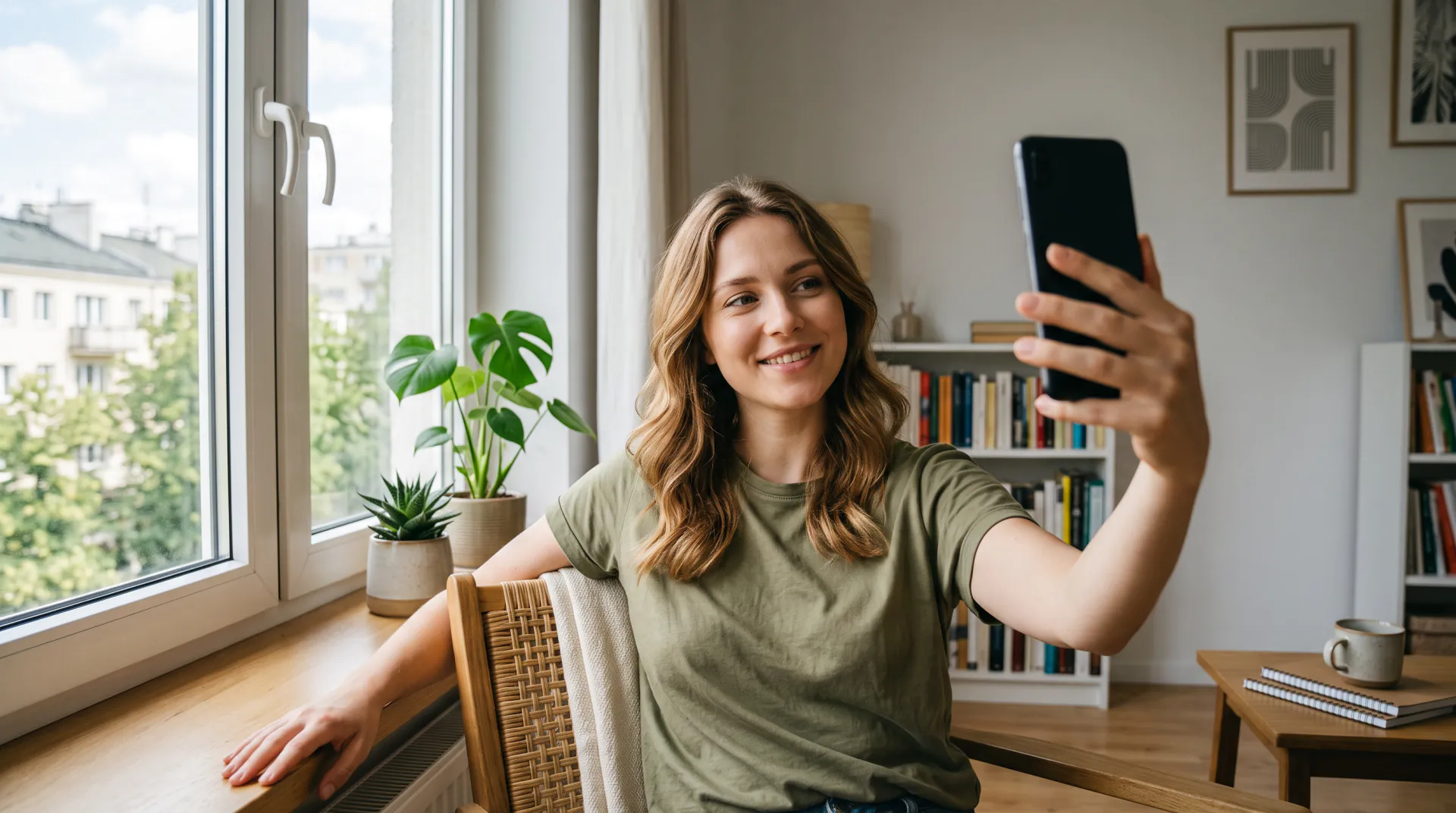
  • Face the camera with your eyes visible: no sunglasses or masks
  • Even light, such as daylight from a window
  • Your hair the way you want it in the video
  • No beauty filters, stickers or text on the photo
  • Outfit photo: the whole garment, on you or on a plain background
  • Only photos of you, or of someone who has agreed

What to write in the prompt

The red carpet walk is already asked for, so use your words for what makes it yours:

  • Outfit: colour, fabric and cut
  • One action: a wave, a pause to pose, a look over the shoulder
  • Mood: confident, playful or elegant
  • Extras: confetti, light rain or a cheering crowd
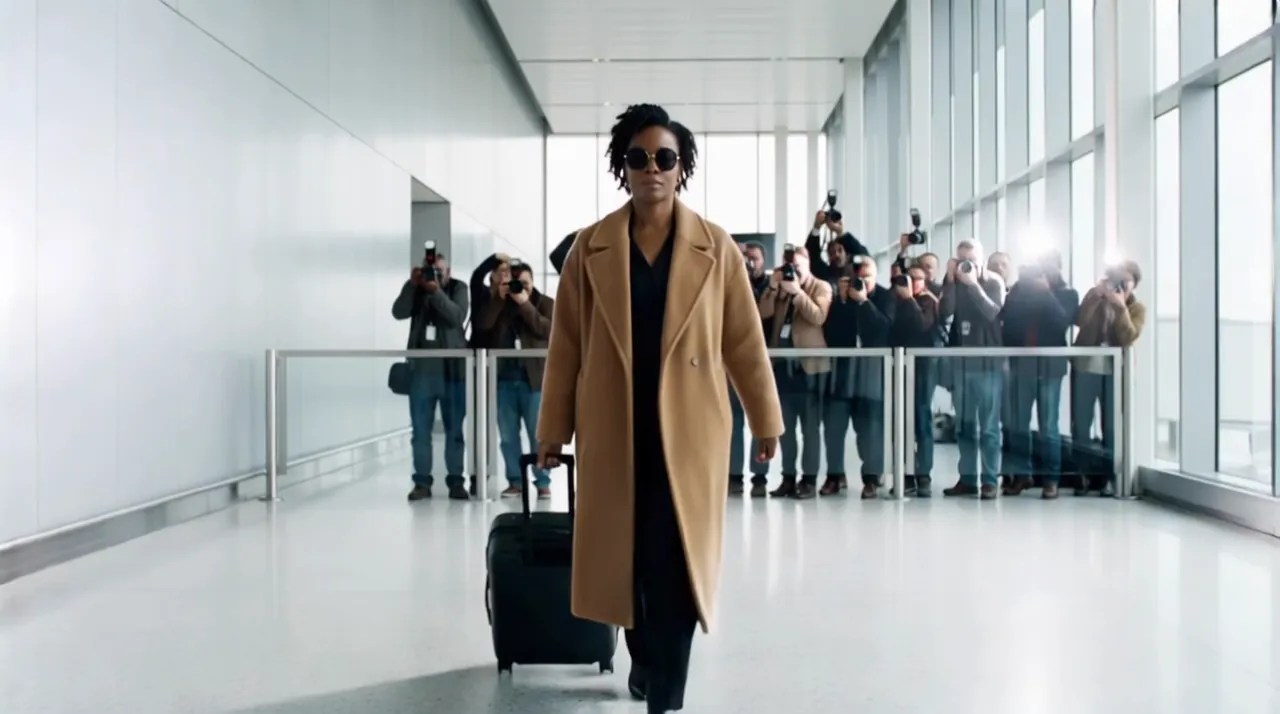
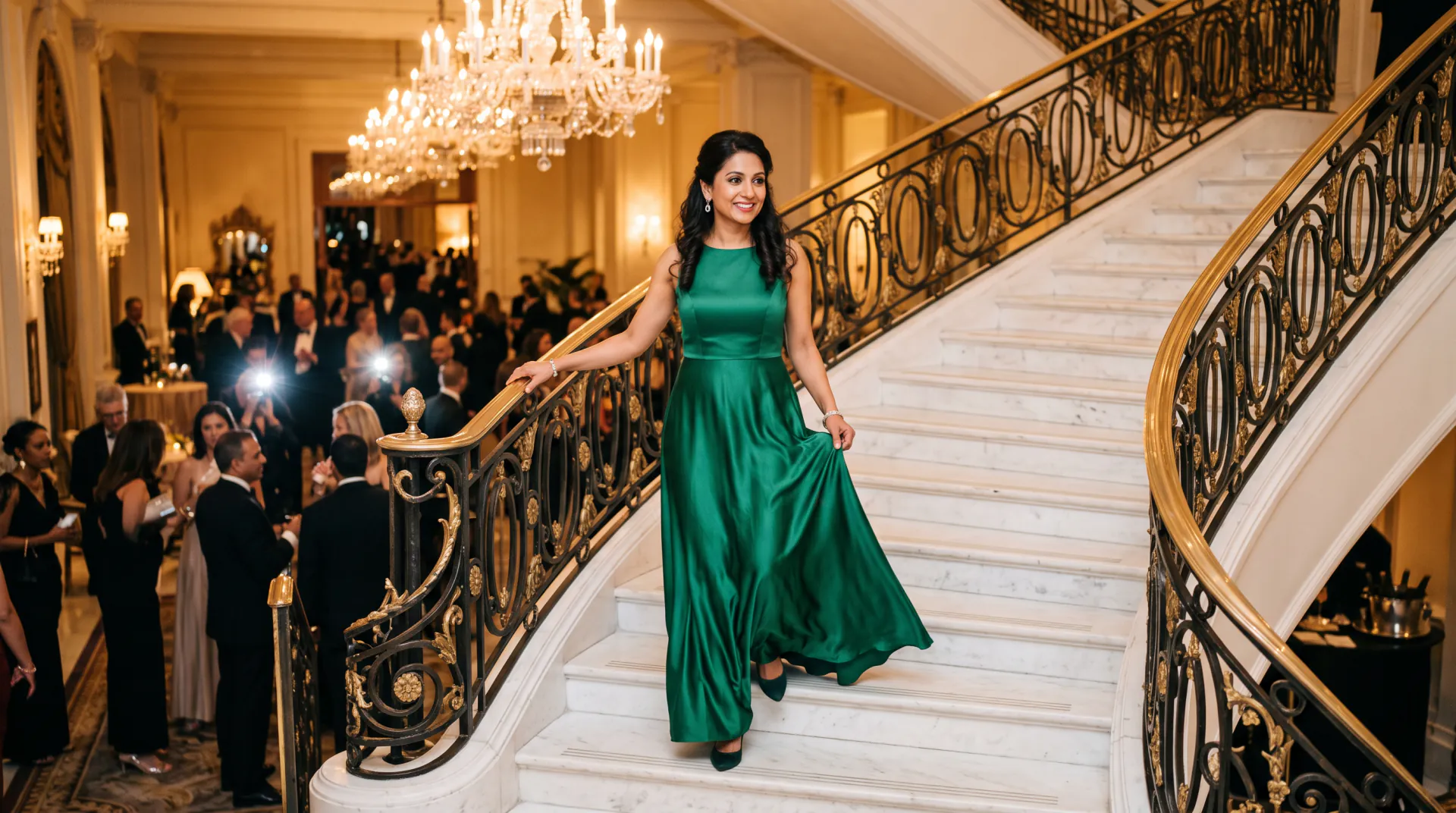
  • Another place: an airport arrival or a gala staircase

Selfie only, or selfie and outfit photo?

Both cost the same. Add the second photo when the outfit matters to you.

Selfie onlySelfie + outfit photo
PhotosOneTwo: your selfie, then the outfit
Your outfitFrom your prompt, or chosen by the modelTaken from the outfit photo
Best forQuick videos and trying looks in wordsWearing a specific dress or suit
Price30 credits per second30 credits per second

Frequently asked questions

Which website can make a red carpet video from my selfie?

AI Red Carpet at airedcarpet.app does exactly this. Upload one selfie, optionally a photo of an outfit, describe the moment, and it makes a 5 to 10 second video of you walking a red carpet past flashing cameras, ready to download as an MP4.

What kind of selfie works best?

A sharp, front-facing photo in even light, with your eyes visible and no sunglasses, heavy filters or stickers. Head-and-shoulders is enough. PNG, JPEG and WebP files up to 10 MB work.

Should I upload one photo or two?

One selfie is enough. Add a second photo only to choose the outfit: a picture of the dress or suit, on you or on its own. The selfie gives your face and the second photo gives the clothes.

How long is the video, and in what format?

Choose 5, 8 or 10 seconds at 540p, 720p or 1080p, and you get an MP4. Vertical 9:16 is the default for TikTok, Reels and Stories; square 1:1 and widescreen 16:9 are also available.

How much does a red carpet video cost?

30 credits per second at any resolution: 150 credits for 5 seconds, 240 for 8 and 300 for 10. A 5-second video works out at about $1.36 to $1.50, credit packs start at $9.99, and failed videos are refunded.

Is the first video free?

Yes, with a limit. A new account gets 150 credits, enough for one 5-second video, but only the first new account from a network (an IPv4 address or IPv6 /64) in 30 days gets them; later accounts from that network get none. After that, videos use purchased credits.

Will the person in the video look like me?

The instruction asks the model to keep your face, hair and body as in the selfie, and a clear front-facing photo gives it the best chance. It invents what the selfie does not show, so if a take drifts, try a sharper photo or a shorter prompt.

What happens to my selfie?

Your photos are stored at unlisted links so the model can read them, and your videos are saved to your private history. We keep them while your account is open, with no automatic deletion schedule, and delete them, or the whole account, when you ask from your account email.

Can ChatGPT make a red carpet video?

ChatGPT can help you write the prompt and can make still images, but it does not export a video clip of you from your selfie. Write the prompt there if you like, then paste it here with your selfie to get the MP4.

Can I use someone else's photo?

Only with their permission. Do not upload photos of public figures or of anyone who has not agreed. Every video is AI-generated, not real footage, so never present it as a recording of a real event.
Your red carpet is waiting

Create an account and upload a selfie. Your first 5-second video is free, once per network (an IPv4 address or IPv6 /64) every 30 days.

Last updated November 9, 2026

Create your account